
Home › RTA Analyzer › Sound test
Free tool for churches
Sound test for your church
Measure how your room sounds with your phone microphone. In about 10 minutes you get a score from 0 to 100, a free report with the main problems and what to do first. Nothing to install.
- Sharp ears
- Silence master
- Pink noise rolling
- Room explorer
- Reverb hunter
- Report ready
- 1Prepare
- 2Silence
- 3Pink noise
- 4Points
- 5Report
Level 1
Set the stage
Your mission: find out how good your room sounds. Earn XP and badges at every level and finish with your score from 0 to 100.
- A quiet roomNo rehearsal or people talking, with the sound system on.
- Phone or computerIt will be your microphone and your pink noise generator.
- Cable to the consoleAux, USB or line, to feed the noise into the system.
- 10 minutesI guide you step by step. Microphone at ear height.
Your audio is analyzed on your device: it is not recorded or sent. For more precision choose the input of an interface with a measurement microphone.
Can’t use the microphone? Open the assistant that shows you where to allow it and press “Start” again.
Level 2
Silence mission
Turn off the pink noise and the music. Press the button and do not talk or move for 8 seconds: we measure the background noise (fans, air conditioning, equipment).
Level 3
Put pink noise through your system
Pink noise sounds even across all frequencies: that is how we see how your system and room respond. Goal: fill the bar up to the green zone.
Connect the audio output to a console channel, send it to the main mix and raise it to a normal rehearsal level. Start with the channel volume low.
Turn on the pink noise on your console or player and raise it to a normal rehearsal level. Later I will tell you when to cut it.
If the noise is barely audible above the silence, the measurement will be unreliable.
Level 4
Explore the room
What the test measures
With your device microphone, the test measures five things and turns them into a score from 0 to 100:
| Category | What it checks | Weight |
|---|---|---|
| Frequency balance | How even the response is between 125 Hz and 8 kHz: excess bass, lack of vocal presence, harsh treble. | 30% |
| Resonances | Narrow peaks that repeat at several points and are feedback-risk zones. | 20% |
| Reverberation (RT60) | How long the sound takes to die away, measured when the pink noise is cut. | 20% |
| Background noise | How much the test noise stands out from the room noise, and whether there is electrical hum. | 15% |
| Coverage | How much the level changes between the measured points. | 15% |
Categories that could not be measured well (for example if the test noise was too low) are marked “inconclusive” and do not subtract points. The score and the summary are generated automatically with fixed, explainable rules, using only the data your microphone measured.
Frequently asked questions
Is it free?
Yes. The test, the score and the report with the main problems are free. The engineer review is a separate, one-time paid service: a 90-minute remote video call, a document with a list of advice, notes and suggestions, and one-to-one guidance.
What do I need to do it?
A phone or computer with a microphone, a sound system that can play pink noise (you can use the one this page generates by connecting its output to your console) and about 10 minutes with the room quiet.
Is my audio recorded?
No. The audio is analyzed on your device and is not uploaded to any server. Only if you press “Save my report” are the report numbers (scores and findings) sent, never the audio.
How accurate is it?
It is indicative. It is measured with your device microphone, uncalibrated, and levels are relative. It is useful to detect problems and compare them before and after making changes; an exact measurement requires a measurement microphone and an audio interface.
How is the report generated?
The report is calculated automatically with fixed rules from what your microphone measured: it compares your room response with an even response, looks for resonances, measures background noise and reverberation, and writes the summary and recommendations from that data. Nothing is made up and it does not leave your device.
What if the reverberation result is “inconclusive”?
It happens when the test noise does not stand out enough from the room noise. Repeat the test with the pink noise a little louder and keep quiet during the measurement.
Prefer to measure it together?
A VCA Drums engineer reviews your report, explains every finding and defines the adjustments for your room. We also provide remote mixing support during your services.
Related guides (Spanish)
Beta · connected tools
More free tools
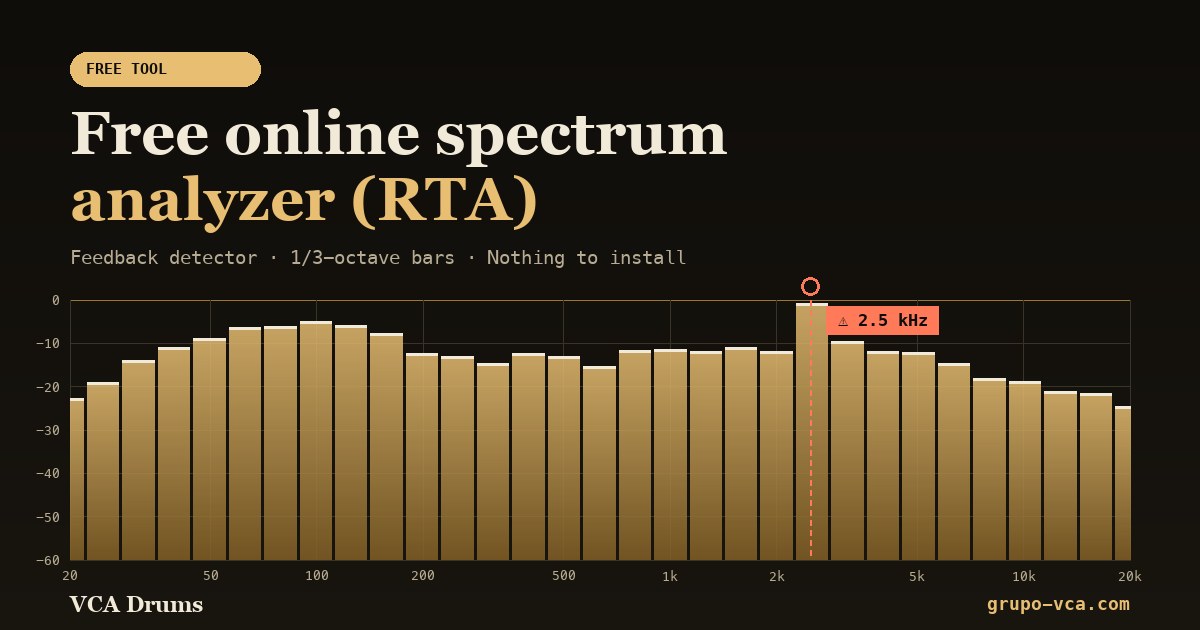 Spectrum analyzer (RTA)See in real time which frequencies your audio has and catch feedback.Open →
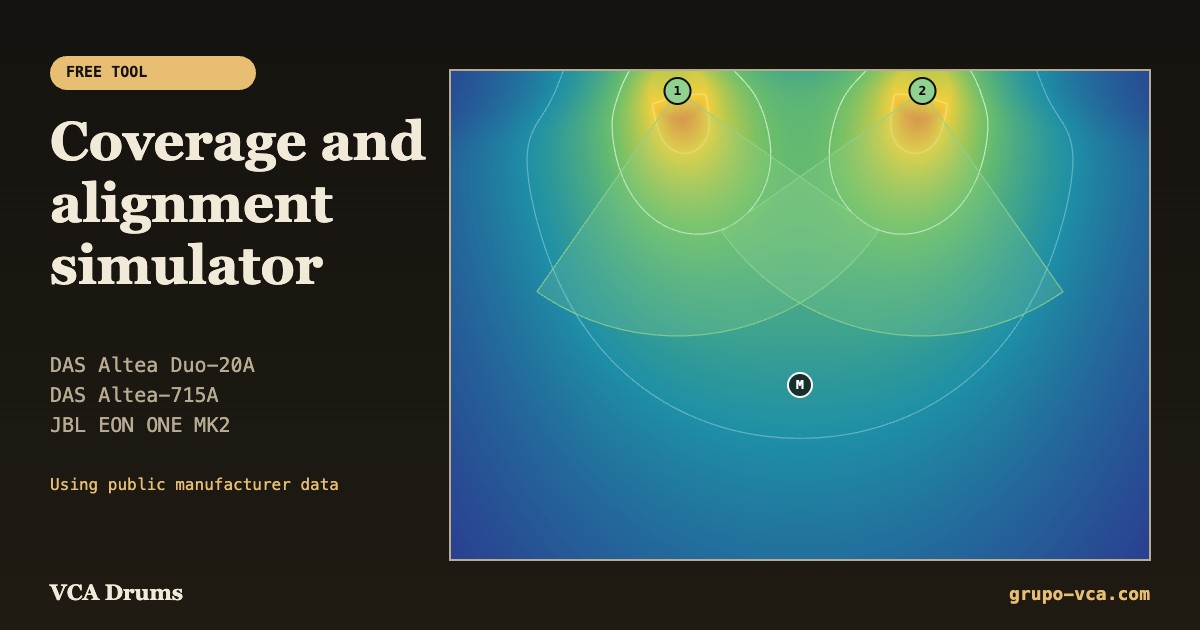 Coverage simulatorPlan where to place and how to aim your DAS and JBL speakers.Open →
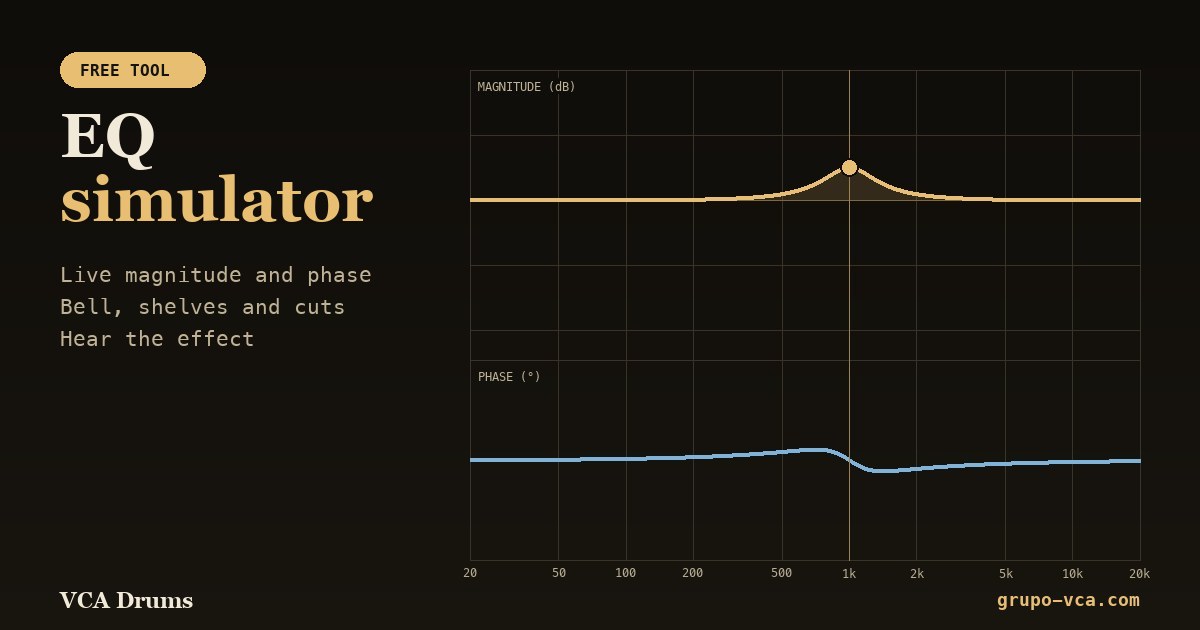 EQ simulatorSee the magnitude and phase of each filter and hear the effect.Open →
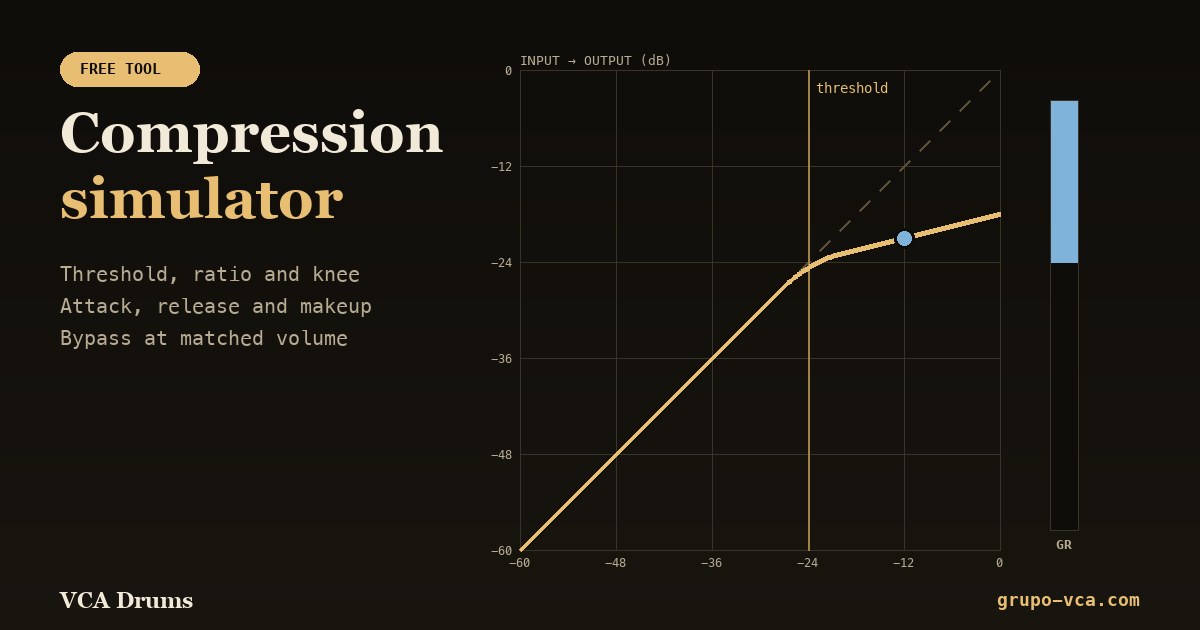 Compression simulatorThreshold, ratio, attack and release with live gain reduction.Open →