
Home › Tools › Coverage simulator
Free tool · beta
Coverage and alignment simulator
Plan where to place and how to aim your DAS Altea Duo-20A, DAS Altea-715A and JBL EON ONE MK2: level, reach, evenness and how units add together, using the manufacturers’ public data. It runs in your browser, nothing to install.
It is an approximation for planning, not a measurement. We are not affiliated with DAS Audio or JBL.
How to use it
- Set the room (width and depth) and the audience zone in the right-hand panel.
- Add units with the buttons above and drag them on the plan. In the left panel you adjust each unit’s yaw, tilt, height, level, delay and polarity.
- Choose the frequency. “Broadband” shows the general coverage. With a single frequency (for example 63 or 125 Hz) you see where two units add up or cancel.
- Move point M to where the audience listens: below you see the response at that point, with the sum and each unit’s contribution. “Align delays” sets the delays so everything arrives at M at the same time.
- Check the evenness: the percentage of the zone within ±3 dB. Switch to side view to see how the level falls with height and tilt. Save the project or export an image.
Data, sources and model limits
The simulator uses only data published by the manufacturers. These are the ones loaded:
| Unit | Max peak SPL at 1 m | Coverage H × V | Response (−10 dB) | Crossover | Source |
|---|---|---|---|---|---|
| DAS Altea Duo-20A | 127 dB | 100° × 50° | 37 Hz – 20 kHz | not published | DAS datasheet (30/03/2026) |
| DAS Altea-715A | 132 dB | 90° × 60° | 45 Hz – 20 kHz | not published | Official DAS page |
| JBL EON ONE MK2 | 123 dB (119 dB on battery) | 140° × 30° | 37 Hz – 20 kHz | 230 Hz | Official JBL Pro page |
All three manufacturers publish the maximum level, the coverage angles and the low end of the response, but not full polar curves or simulation files (GLL/CLF) for these units. That is why directivity is modeled with a quadratic roll-off that equals 6 dB at the edge of the published coverage and widens below a control frequency until it becomes omnidirectional. Those control frequencies (roughly 600 Hz to 1.5 kHz depending on the unit) are our own estimates and are shown on each unit’s card. The low end of the response is modeled as a second-order high-pass with −10 dB at the published frequency. Air absorption follows ISO 9613-1.
What to keep in mind
- The level is an estimated peak SPL. The published maximum is a peak at 1 m; continuous music usually sits well below it. It is not a prediction of real loudness.
- The sum between units is approximate. Without real polars, exact cancellations and peaks may differ from what you measure, especially in the mids and highs. In the bass the model is more reliable because the boxes behave almost omnidirectionally.
- Not modeled: the floor, the ceiling, reverberation and the audience. Wall reflections are first order and optional.
- The internal crossover of the DAS units is not published and is not simulated; the EON ONE MK2 publishes 230 Hz.
- The EON ONE MK2 coverage was taken as −6 dB, although the manufacturer only publishes “140° × 30°”.
- Always confirm with an on-site measurement (you can use the RTA analyzer) before deciding.
DAS Audio, JBL and Harman are trademarks of their respective owners. This simulator is independent and is not affiliated with, approved by or sponsored by them.
Want help setting it up in your church?
Measure your room with our free test or ask for an engineer’s review.
Beta · connected tools
More free tools
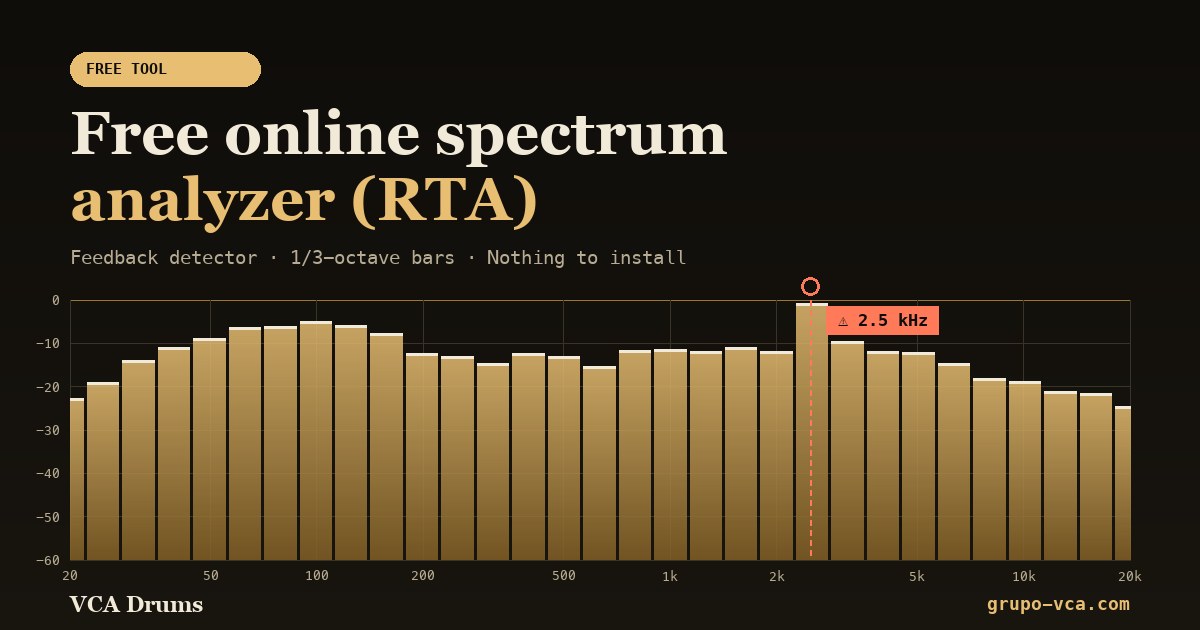 Spectrum analyzer (RTA)See in real time which frequencies your audio has and catch feedback.Open →
 Church sound testA score from 0 to 100 and a free report on how your room sounds.Open →
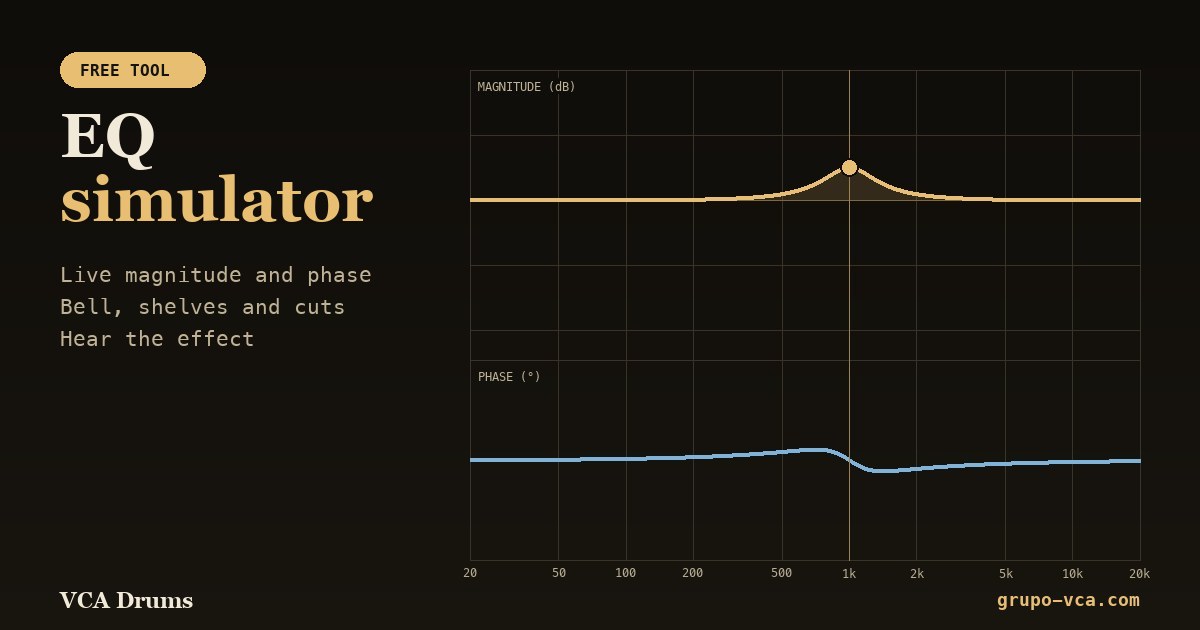 EQ simulatorSee the magnitude and phase of each filter and hear the effect.Open →
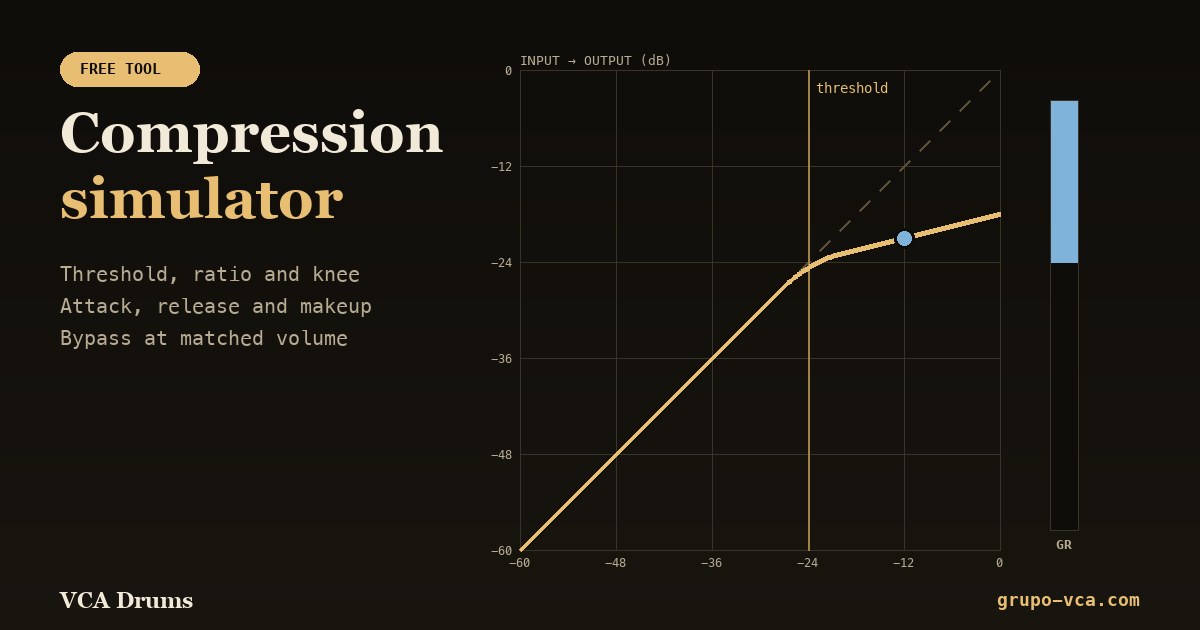 Compression simulatorThreshold, ratio, attack and release with live gain reduction.Open →