
What each filter does
Parametric (bell)Boosts or cuts a band centered on F. Q sets the width: high = surgical (resonances), low = wide and musical.
Low shelfBoosts or cuts everything below F, like a shelf.
High shelfBoosts or cuts everything above F.
Low cut (high-pass)Removes the lows: rumble, mic bumps, wind. Slope of 12, 24 or 48 dB/oct.
High cut (low-pass)Removes the highs: hiss, air, harsh harmonics.
Why phase matters
Every filter also moves the phase, even an octave or two inside the zone you “do not touch”. Each 6 dB/oct of a cut adds 90° of turn. If you filter only one of two signals from the same instrument (kick in/out, two snare mics) or a PA crossover with subs, the phase difference can cancel around the crossover even if the magnitude looks perfect.
The simulator shows minimum-phase EQ (analog and almost every digital console EQ). A linear-phase EQ does not turn the phase, but adds latency and pre-ringing.
Good practices
- On a kick, the low cut usually sits between 30 and 50 Hz, only to clean up useless sub-bass. Above 200 Hz you remove its body.
- A very high Q is for catching a single resonance (a ringing tom, feedback), not for general tone.
- Boosting or cutting 10 dB or more usually points to a mic or source problem: sometimes it is better to move the microphone.
- With a 48 dB/oct cut, check polarity and time alignment if that channel is summed with another mic on the same instrument.
- To hear the bass region use headphones or monitors: laptop and phone speakers barely reproduce anything below 120 Hz.
Want to measure your system?
See your room’s spectrum in real time or try the compression simulator.
Beta · connected tools
More free tools
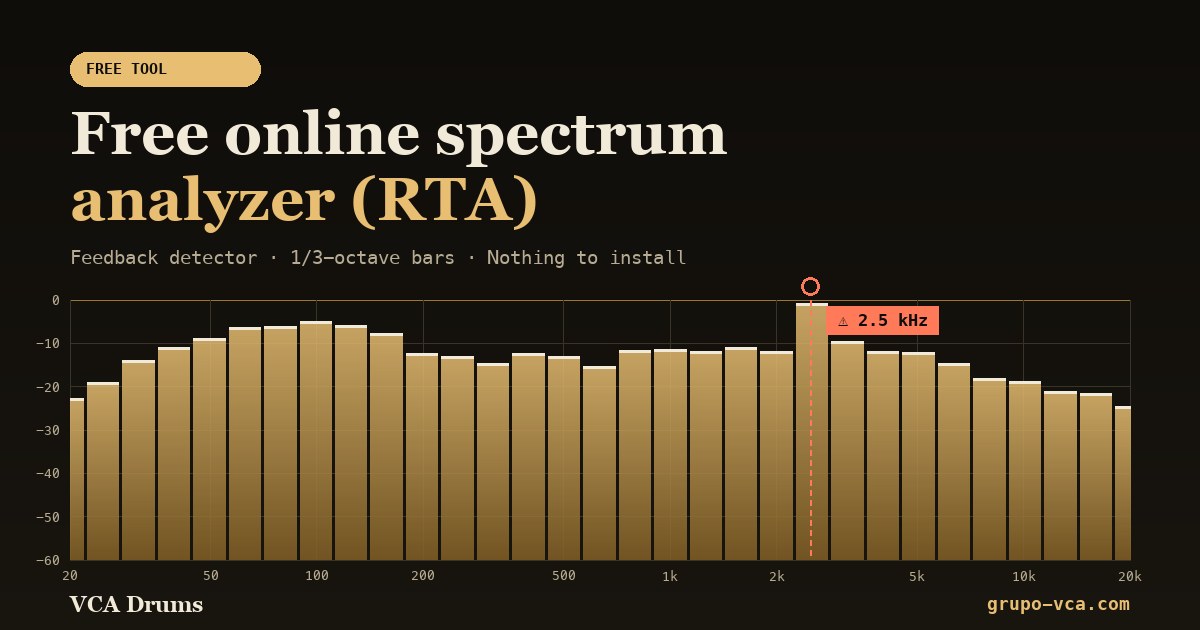 Spectrum analyzer (RTA)See in real time which frequencies your audio has and catch feedback.Open →
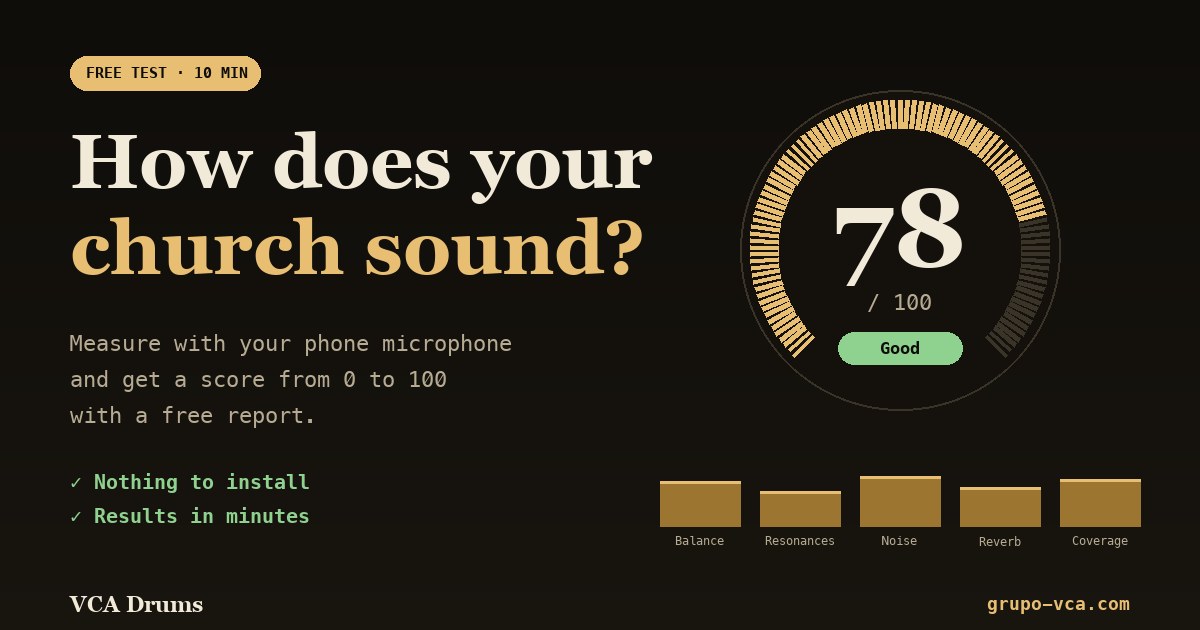 Church sound testA score from 0 to 100 and a free report on how your room sounds.Open →
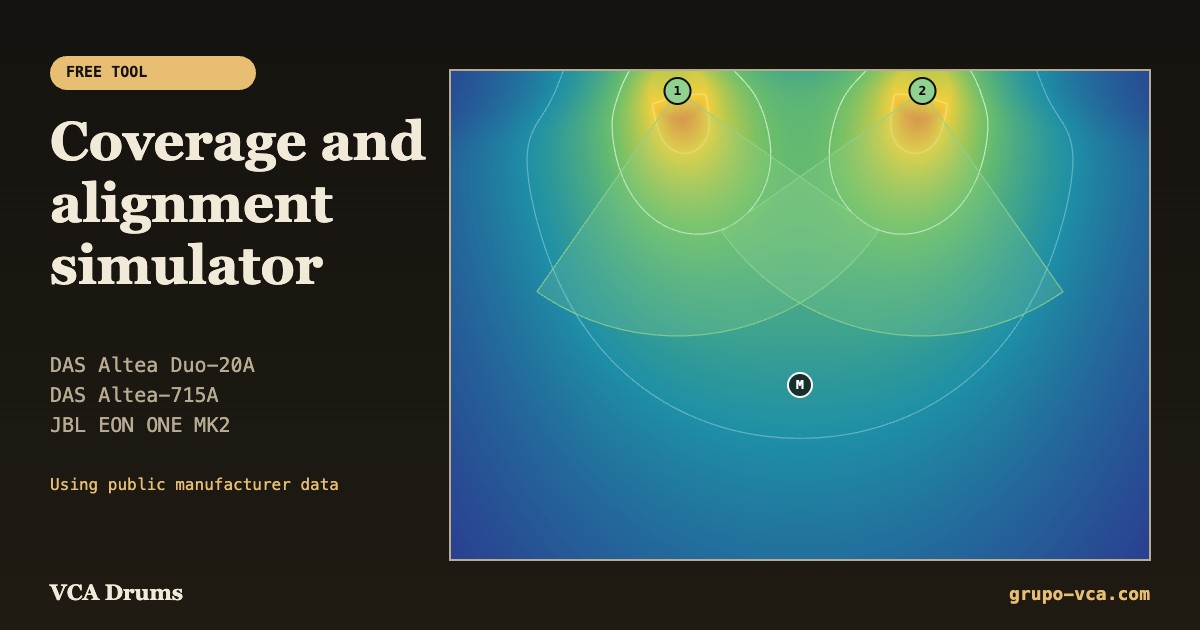 Coverage simulatorPlan where to place and how to aim your DAS and JBL speakers.Open →
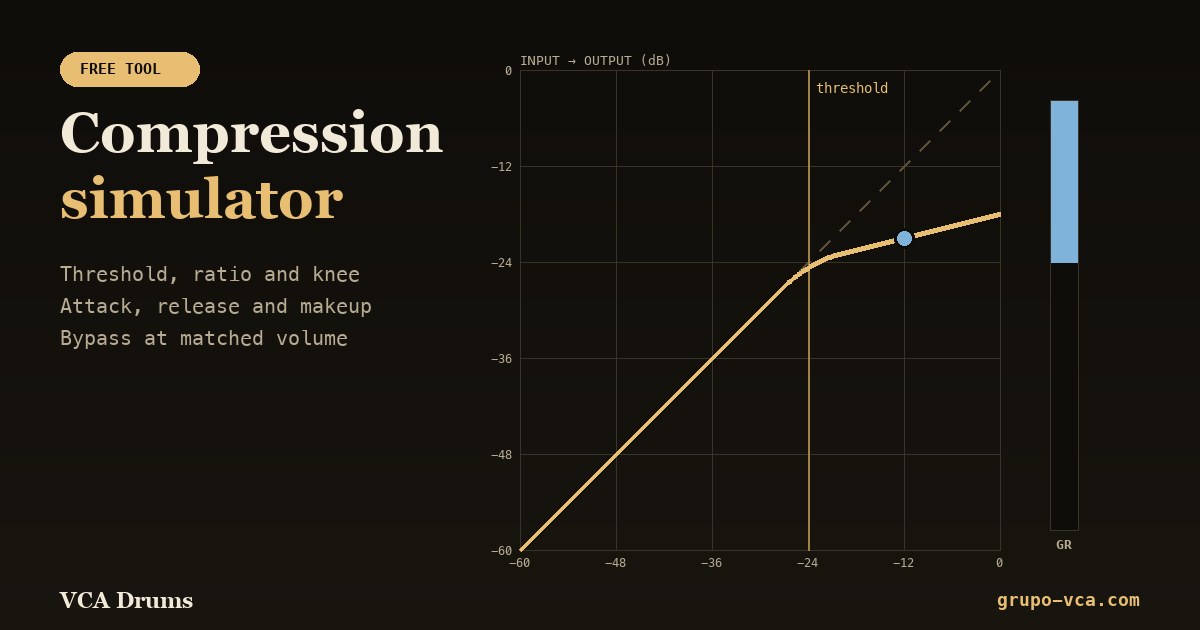 Compression simulatorThreshold, ratio, attack and release with live gain reduction.Open →