
How it works
Picture someone with a hand on the fader. When the signal passes a certain level, they pull it down; when it calms down, they let go. The compressor does that on its own, in thousandths of a second.
The controls
ThresholdThe level at which it starts working.
RatioHow much it turns down. 4:1 = if the signal goes 4 dB over, only 1 dB comes out.
AttackHow fast it reacts. Slow lets the hit through.
ReleaseHow fast it lets go when the signal drops.
Makeup gainBrings back the volume lost while compressing.
KneeSoft = it eases in. Hard = it kicks in at once.
What it is used for
- Vocals: so the soft parts do not get lost and the shouts do not blow up.
- Kick and snare: to add punch and control, not just trim peaks.
- Bass: so every note has the same weight.
- Mix or group: to “glue” the instruments so they sound like a band.
Starting points
| Source | Ratio | Attack | Release | Reduction |
|---|---|---|---|---|
| Vocal | 3:1 – 4:1 | 5–15 ms | 50–100 ms | 3–6 dB |
| Kick | 4:1 | 15–30 ms | 50–80 ms | 3–6 dB |
| Bass | 4:1 | 10–20 ms | 80–150 ms | 3–6 dB |
| Mix bus | 2:1 | 20–30 ms | 150–300 ms | 1–2 dB |
The threshold depends on how loud your signal arrives: lower it until the GR meter shows the reduction in the table.
Good practices
- Fix the microphone and the gain first. A compressor does not fix a bad recording.
- Watch the reduction (GR) meter. If it goes past 8–10 dB all the time, you are overdoing it.
- Compare with bypass at the same volume. Louder always seems “better” and fools you.
- A very fast attack on kick or snare kills the hit. Open the attack until the “punch” returns.
- Live, compressing a vocal heavily also raises the stage noise and brings feedback closer.
⚠️ Signs you went too far: the voice sounds “squashed”, you hear the volume rise and fall (pumping), or the cymbals swell between hits.
Want to EQ with more judgment?
Try the EQ simulator and watch how the phase moves.
Beta · connected tools
More free tools
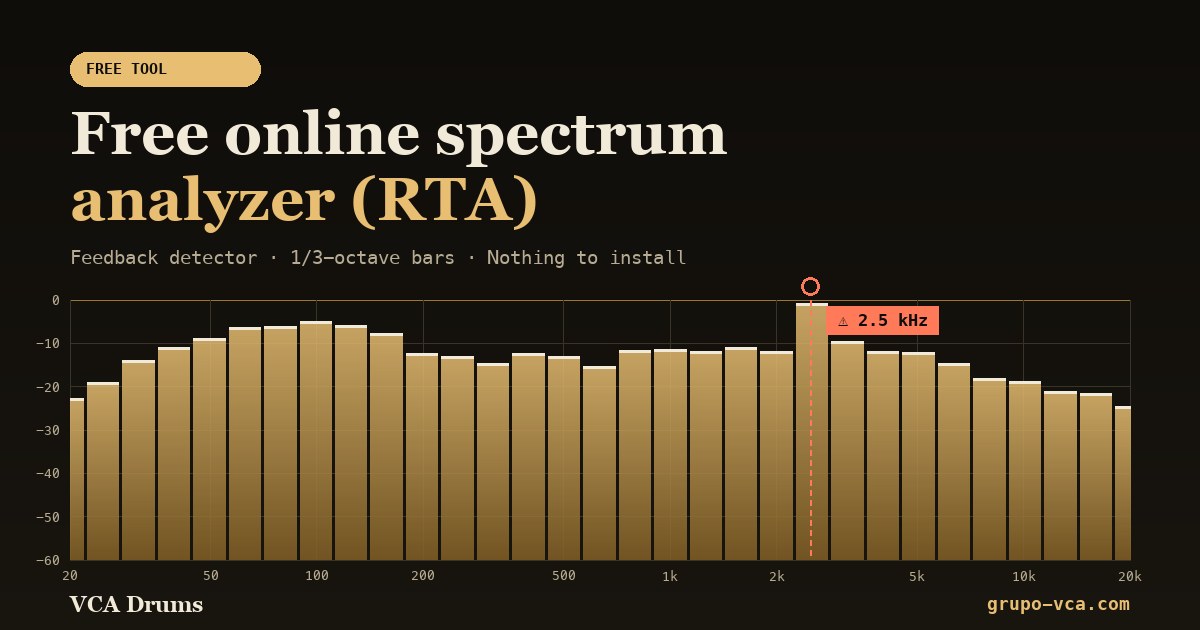 Spectrum analyzer (RTA)See in real time which frequencies your audio has and catch feedback.Open →
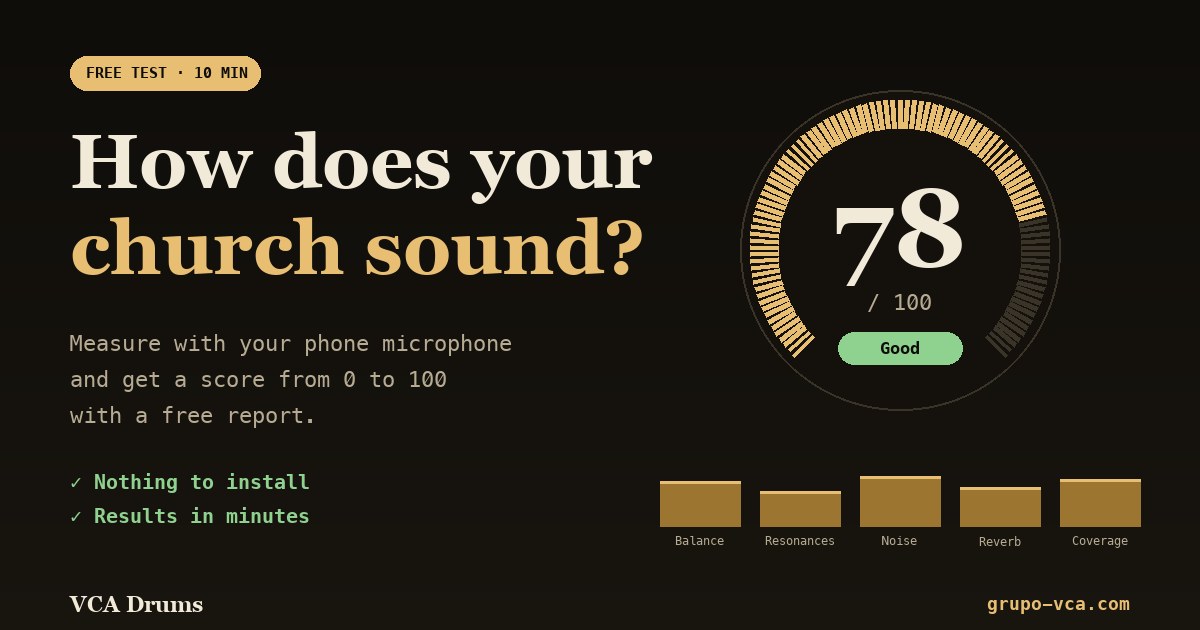 Church sound testA score from 0 to 100 and a free report on how your room sounds.Open →
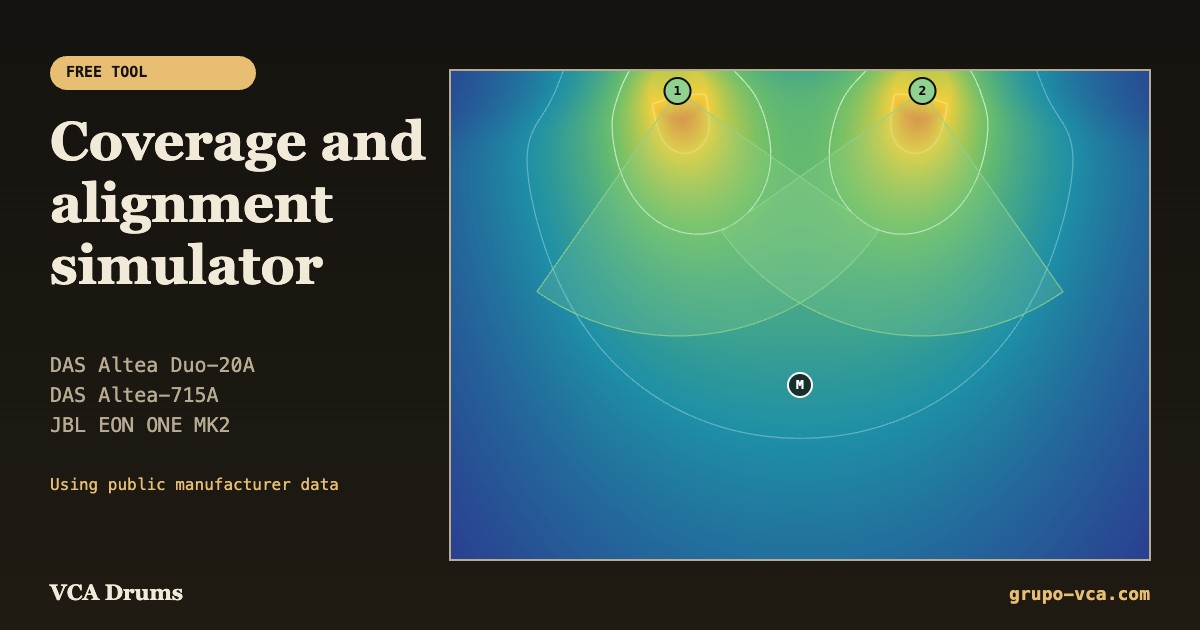 Coverage simulatorPlan where to place and how to aim your DAS and JBL speakers.Open →
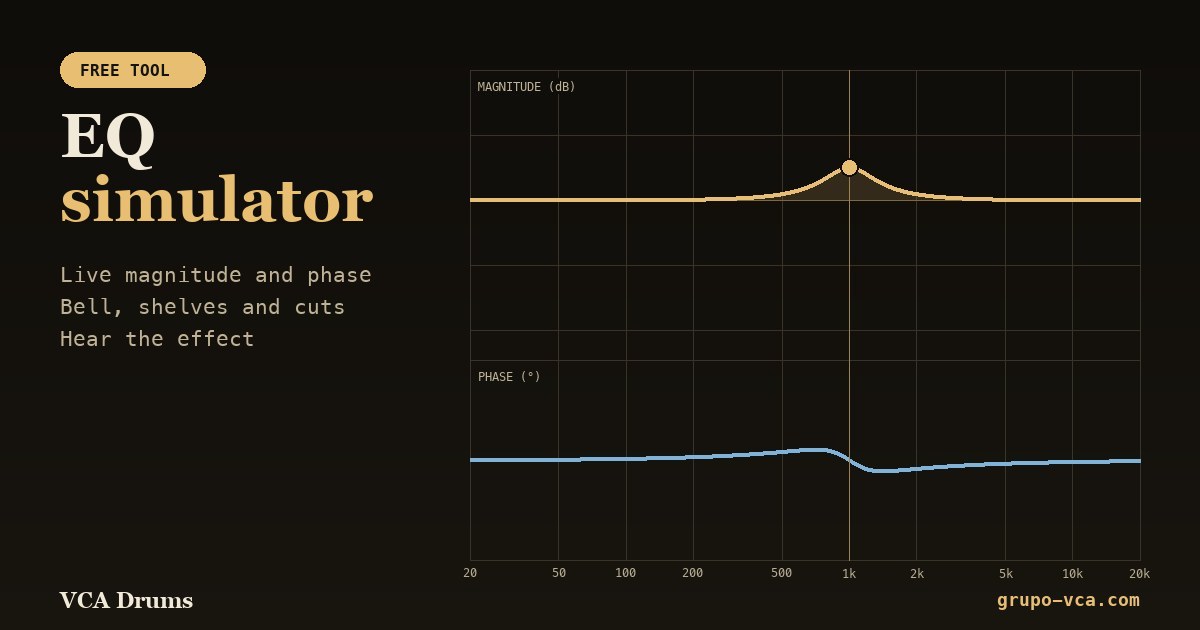 EQ simulatorSee the magnitude and phase of each filter and hear the effect.Open →